Quick review
The good
The not-so-good

Spoiler alert: the new iPad Air is a new iPad. It has WiFi 7. It’s like last year’s iPad Air. It’s weirdly slightly slower than the M4 iPad Pro, but yet also has more memory. It’s an iPad Air.
There are some pretty clear things that will happen each year.
You can expect new iPhones between September and October, and you can probably expect new Macs throughout the year, as well. And depending on if you’re interested in buying a tablet, you can also probably expect new models of those, as well.
In the world of the iPad, annual changes to the iPad Air have become the norm, as Apple refreshes one of its most popular tablets that sits in the Goldilocks offerings. Not too budget, yet also not too Pro, the iPad Air is the model for everyone after something more capable than the standard iPad but less expensive than the iPad Pro, and is typically a great model delivering the best of both worlds.
Here in 2026, it’s getting another update, but if you didn’t know what to look for, you’d have no idea what you were getting is any different. That’s not necessarily a bad thing, of course, but it is something to be aware of in the M4 iPad Air.
Design
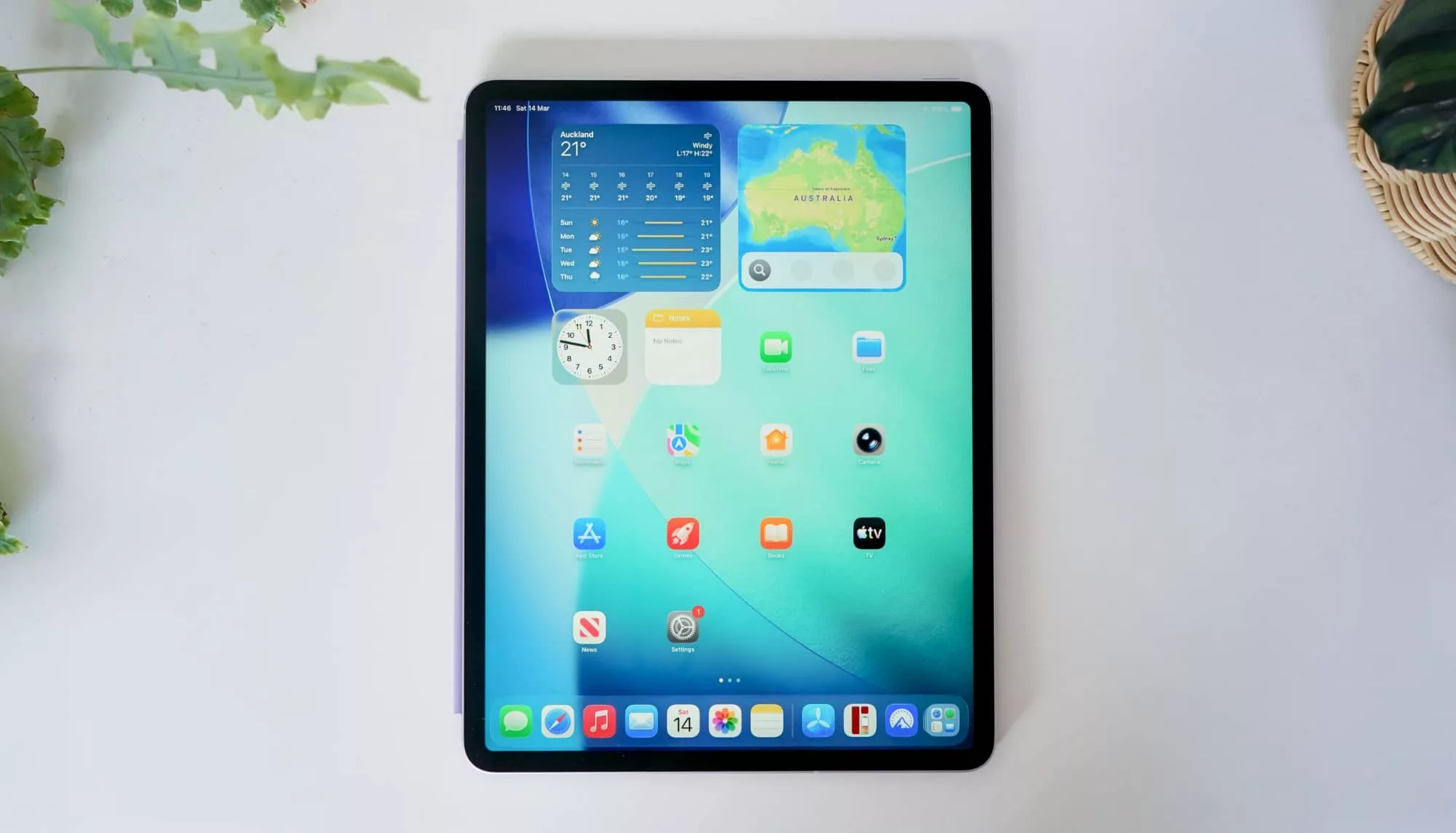
It’s a new year and that means a new iPad, but what it doesn’t mean is a new iPad design. Rather, it’s quite familiar, with the idea clearly being if it ain’t broke, well, you know the rest.
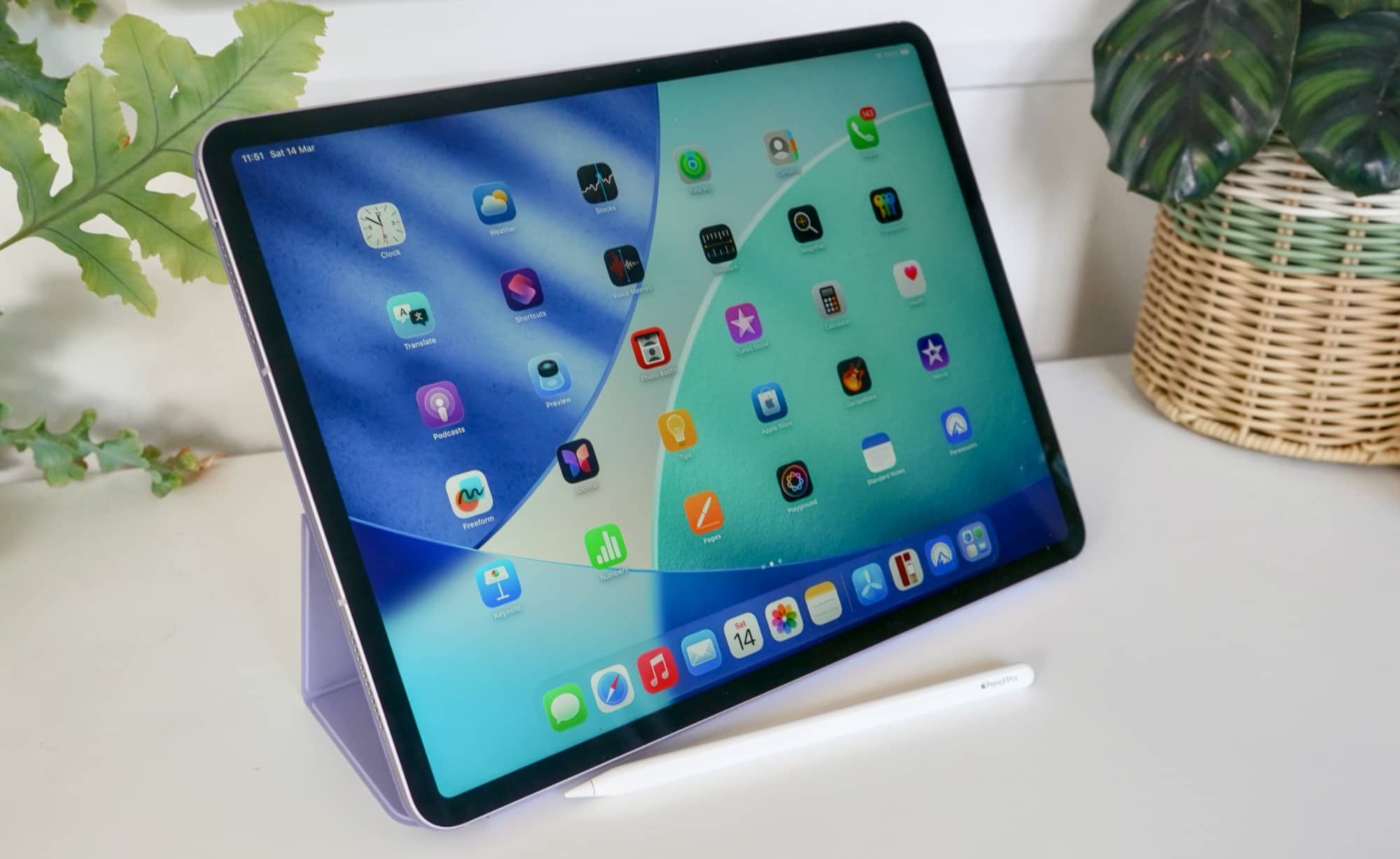
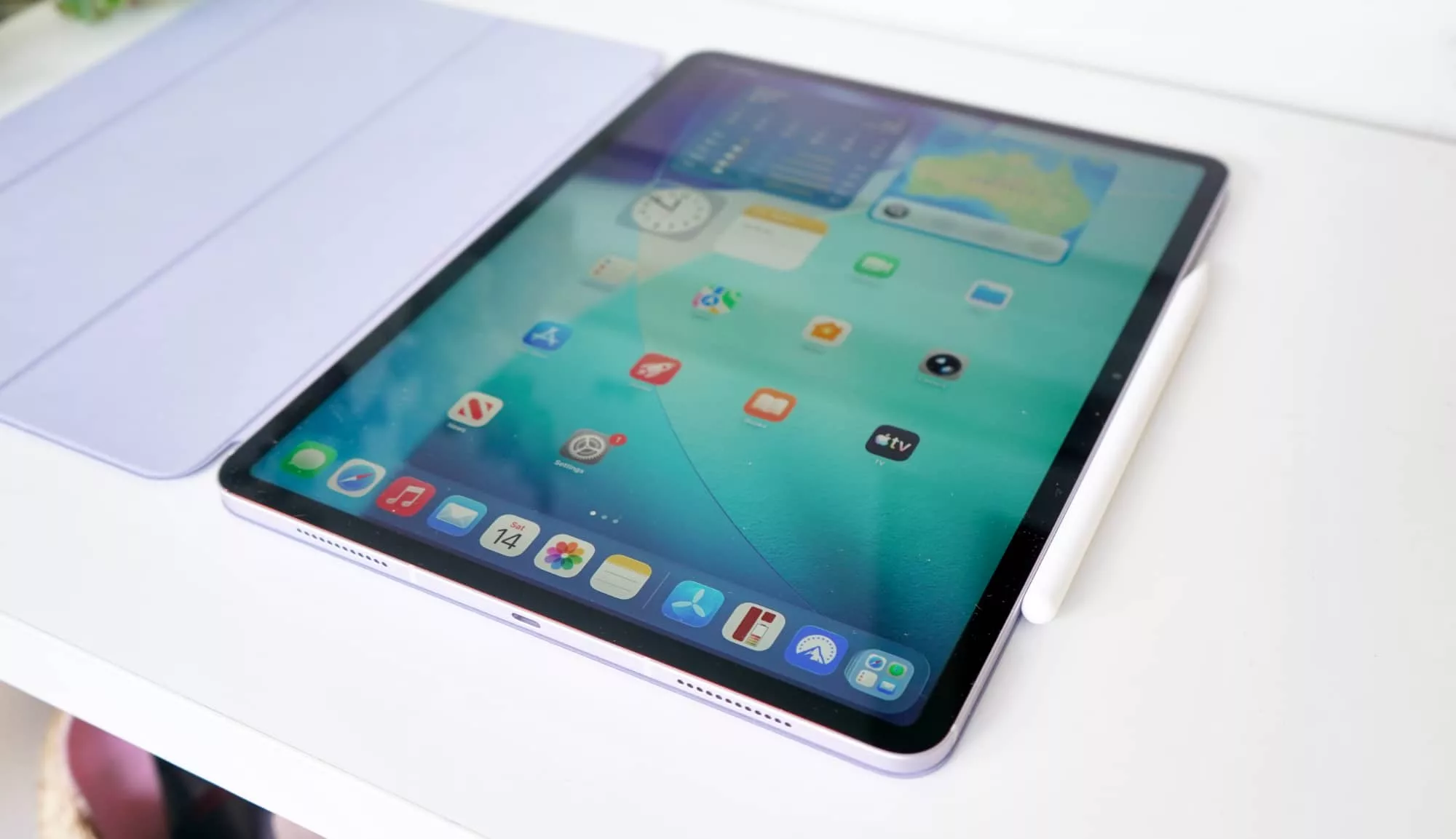
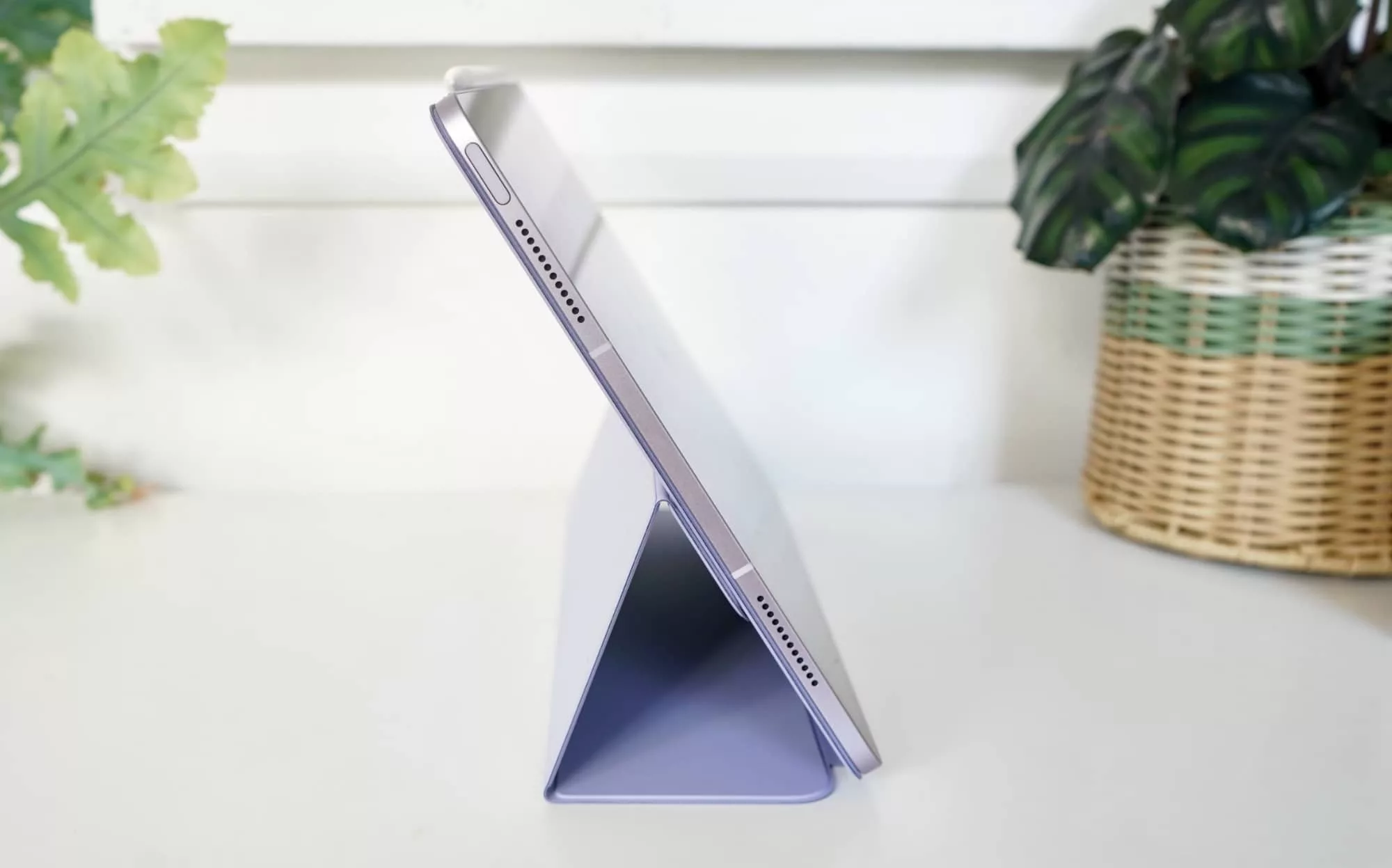
The design is still very much the same, and in the 13 inch iPad Air we’re reviewing, it’s a 6.1mm that is largely identical the model before it, aluminium case and all with that big piece of glass up front.
There’s really little in the way of difference, with the same height, width, and even weight, though still manages one full millimetre on its iPad Pro sibling, which is also barely 40 grams lighter.
If you haven’t managed to work out that the iPad Air is basically a marginally thicker, marginally heavier, and somewhat less expensive take on the iPad Pro, it should be pretty apparent now.
Features
It’s a whole lot more obvious when you glance under the hood where, again, very little has changed.
Under the hood, there’s the main difference, as the Apple Silicon M3 is bumped to the M4, and the memory is also pushed from 8GB to 12GB. Apple doesn’t publicly list that, but a spec check on our end confirmed that pretty quickly.
You’ll find the same assortment of storage, with 128GB the starting point, and a choice of 256GB, 512GB, or 1TB, with WiFi 7 and Bluetooth 6 inside, a minor upgrade on its predecessors with WiFi 6E and Bluetooth 5.3 respectively.
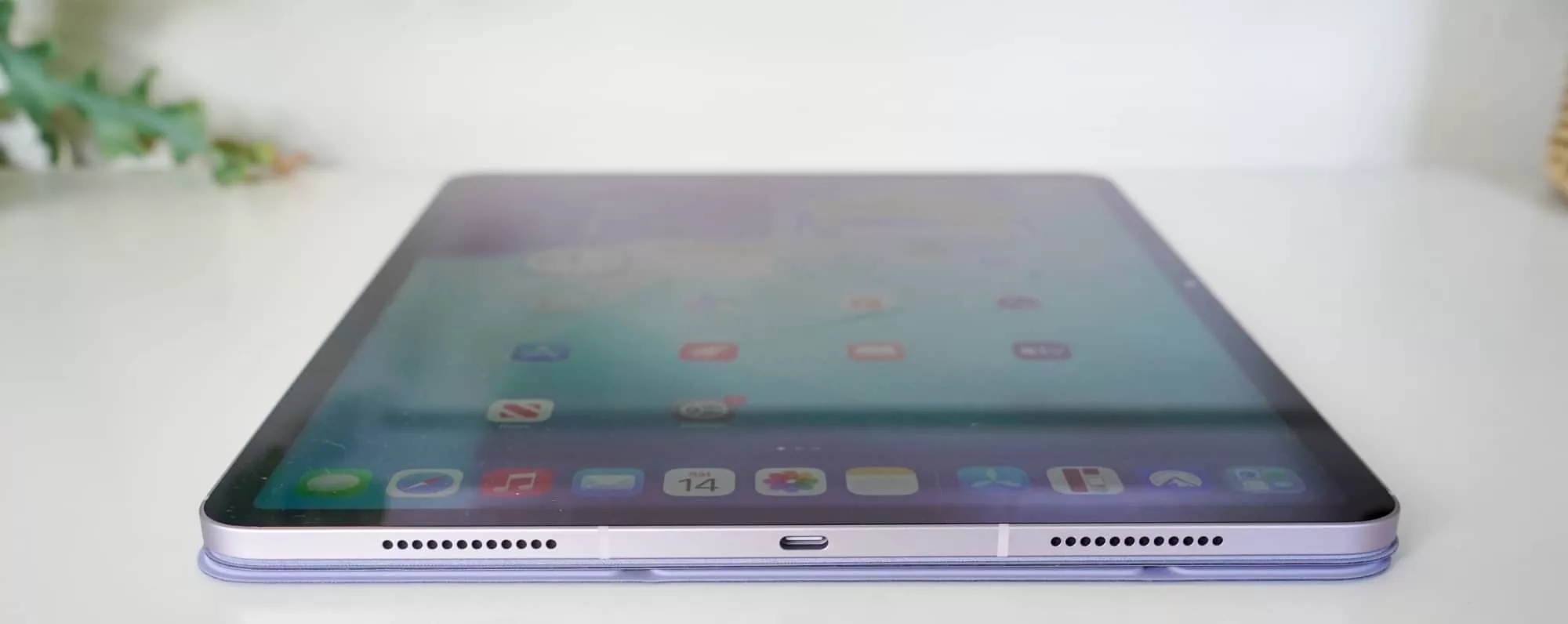
Neither supports a SIM with eSIM only here in the mobile version, and they all only have a single USB-C connector. If you need to plug in headphones, bring a converter or a digital converter.
There are other things here, such as the 12 megapixel F1.8 rear camera and 12 megapixel F2.0 front camera, both of which cover 4K video, as well as two speakers, two microphones, and a Touch ID sensor built into the power button.
It’s all pretty standard for the iPad Air, and familiar even when we get to the screen.
Display
Apple may well have one of the best screens in the business in its tandem stacked OLED screen for the iPad Pro, but this one isn’t it. Rather, it’s a still-quite-good IPS screen that’s large, in charge, and merely just missing the best stuff you’d want in a screen.
That means no ProMotion 120Hz screen and no OLED at all.
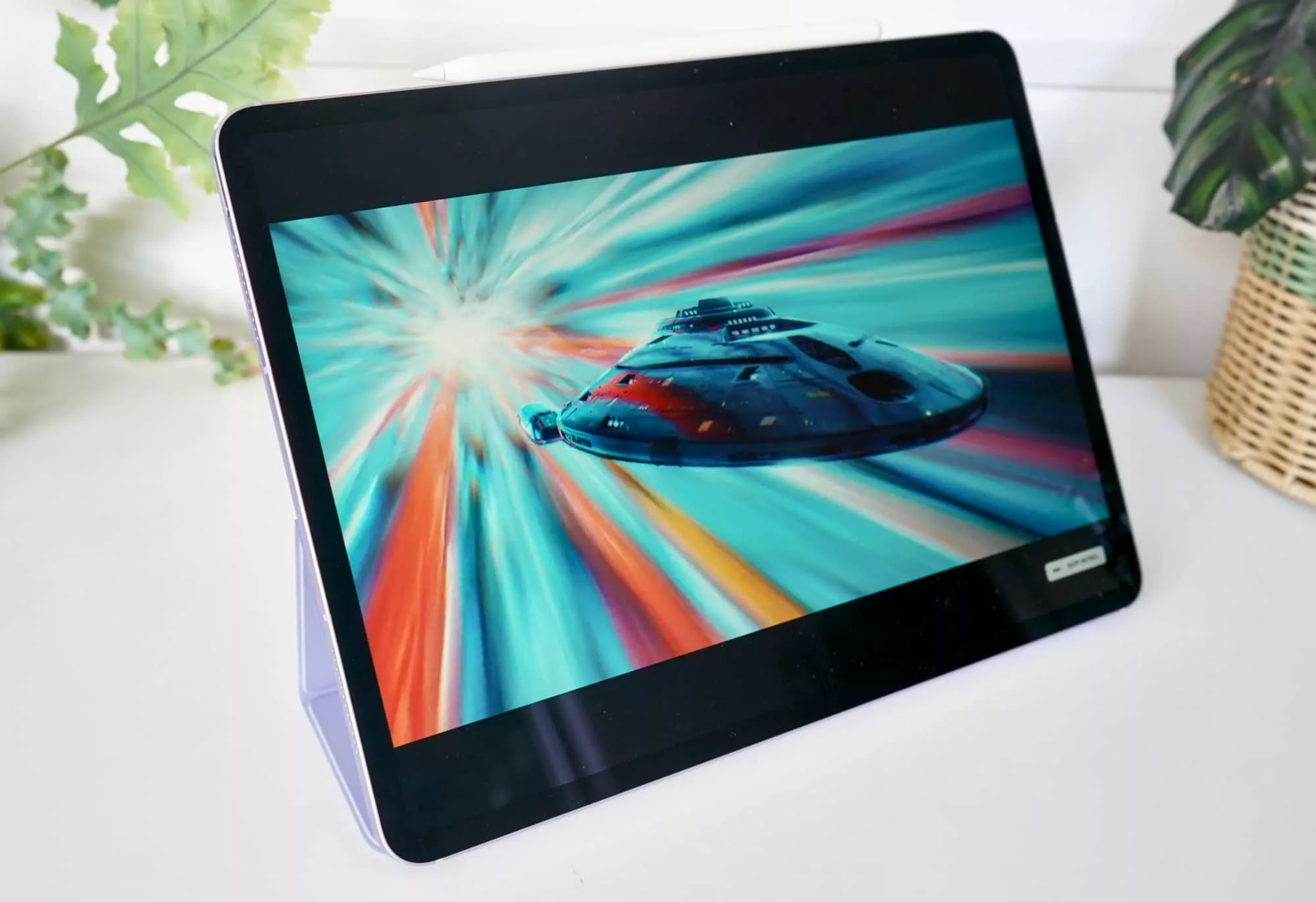
We’re a bit bummed about both, truth be told, though the 120Hz is probably the most annoyed we’ll be. The amazing colour and blacks from OLED are almost always reserved for the best devices, but fast screens shouldn’t be specific to the high-end models.
Here on the iPad Air, the In-Plane Switching (IPS) LCD screen you get is bright, nice to look at, and offers Apple’s white balancing “True Tone” technology across the 2732×2048 display, but it’s not really any improvement.
This is the same screen you could see in the M3 iPad Air, and in the M2 iPad Air, as well. It now supports Apple Pencil hover as it has since the M2 introduced the 13 inch iPad Air, but nothing has really changed. The screen hasn’t quite caught up with the times, it seems.
It’s still great, but there are better screens out there, to be sure.
In-use
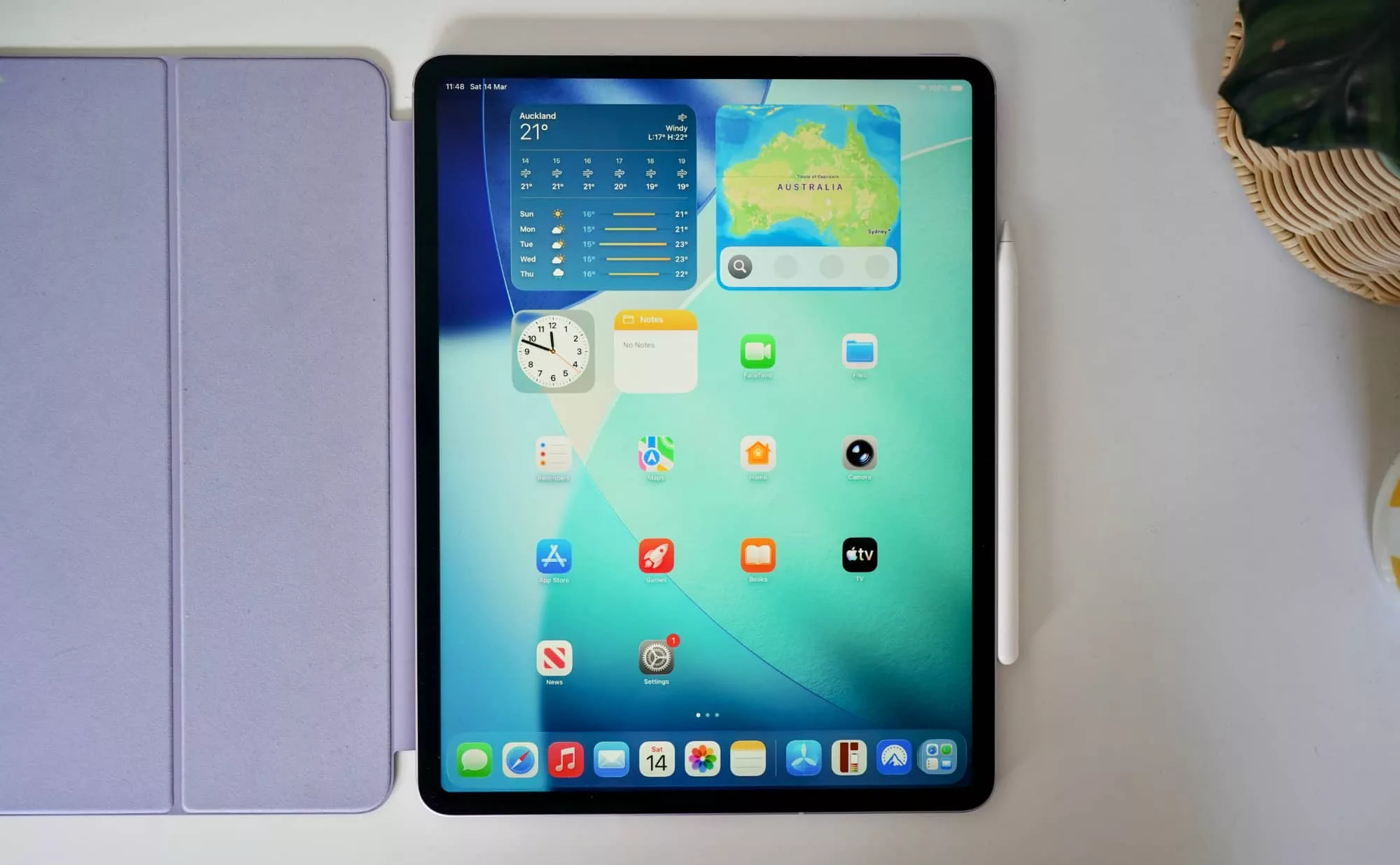
Fortunately, using the M4 iPad Air is rather like using any other iPad model that exists to date.
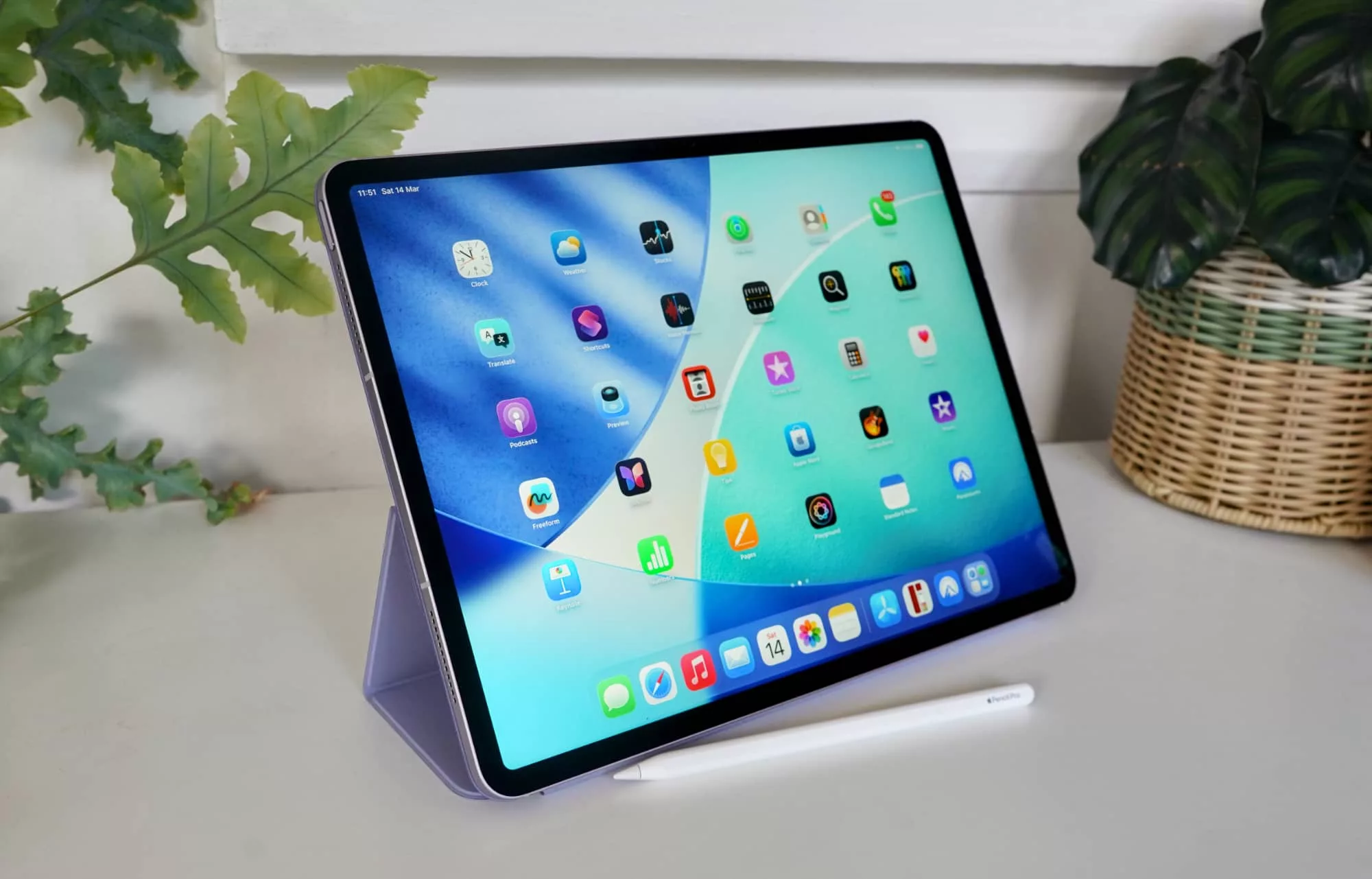
Widgetised home screens are part and parcel of the iPad and have been for years, but iPadOS now features more control of multi-tasking, bridging the gap between tablet and laptop a little better.
Granted, you might find yourself wanting a keyboard or Apple’s Pencil a little more, helping the experience to feel like you’ve been afforded more control in how you use the tablet.
Performance
Settle into using the Air and you’ll find something formidable waiting for you once you start using it.
| Device | CPU Single Core | CPU Multicore | GPU |
|---|---|---|---|
|
Apple iPad Air 4th-gen (2020)
Apple A14 Bionic
|
1596
|
4328
|
12503
|
|
Apple iPad Air 5th-gen (2022)
Apple M1
|
1723
|
7246
|
21402
|
|
Apple iPad Air 6th-gen (2024)
Apple M2
|
2645
|
9999
|
41636
|
|
Apple iPad Air 7th-gen (2025)
Apple M3
|
3061
|
11727
|
44954
|
|
Apple iPad Air 8th-gen (2026)
Apple M4
|
3641
|
12705
|
53240
|
There’s little denying the performance, but perhaps unexpectedly, the M4 iPad Air isn’t actually as fast as the M4 iPad Pro, with Apple using a slightly different variant of the chip.
You can actually see it in the Apple specs from its compare page, with the M4 iPad Pro using up to a 10-core CPU and 10-core GPU, while the iPad Air M4 is an 8-core CPU and a 9-core GPU.
Granted, the 256 and 512GB iPad Pro uses the 9-core CPU, and the 1TB and 2TB models give you the 10-core CPU, but it’s a minor difference.
It’s a minor difference, but one all the same, and something you can see comparing the two sets of specs head on in a specific benchmark.
| Device | CPU Single Core | CPU Multicore | GPU |
|---|---|---|---|
|
Apple iPad Air 8th-gen (2026)
Apple M4
|
3641
|
12705
|
53240
|
|
Apple iPad Pro 13 (2024)
Apple M4
|
3810
|
14645
|
53746
|
Interestingly, Apple is actually giving M4 iPad Air owners more memory than some of the M4 iPad Pro owners, with 12GB RAM versus either 8GB or 16GB on the Pro. It’s a neat change to be sure, and one that’s almost entirely focused on AI, we suspect.
Battery
One thing that hasn’t changed significantly is battery life, which will max out at 10 hours exactly like it did before.
For most people, this means a battery likely needing a daily charge if you use the tablet a lot, or one every few days if you don’t.
It’s not a staggering performer, but given everything is USB-C these days — and so is this — it does mean you’re within spitting distance of a charger when you need one.
Value
Pricing in Australia sees the M4 iPad Air starting from $999, which is actually quite good overall, providing something with as much processing power as a laptop, but manages to fit in your hand. Our 13 inch iPad Air review unit actually starts at a $1349 price point, which isn’t so much compelling as it is about where we expect the technology to be.
By comparison, the Samsung Tab S10 FE or FE+ equivalent is a little less expensive and probably comes with the pen, as well as an IP rating, but also may not have quite the same usability experience as what Apple is offering.
Neither seems like tremendous value, but from when we last checked out the Tab S10 FE range, the iPad felt like it delivered better value overall, thanks in part to iPadOS just feeling like a more complete tablet experience than what Android achieves.
What needs work?
That doesn’t mean the M4 iPad Air is perfect, though.
Technically the eighth generation of Apple’s iPad Air range, this model gets the fourth spot of Apple Silicon, the M4, while the iPad Pro manages the M5. It’s so much performance, you probably won’t know what to do with it.
But we do, and there are things we’d add, because the M4 iPad Air really needs a little bit more not just to stand out, but to feel intrinsically better than simply last year’s model in a new hat.
In fact, most of what needs work are the things that the iPad Pro gets, but not its iPad Air sibling. Things like Thunderbolt and USB, as opposed to just USB, or things like the TrueDepth camera system for the front-facing camera system, which this model misses out on.
And things like four speakers and four microphones, with the Air cutting it to two for each.
Or the 120Hz screen technology, which it kind of feels we’re just yammering on about, but can be found on other less expensive gadgets.
The problem is this year’s Air can feel very much the same, or stuck in last year’s generation, and it clearly doesn’t need to. It could be that little bit better, and go beyond simply a new CPU and GPU, which is really all it achieves.
And strangely, it doesn’t support the Magic Keyboard cover made for the iPad Pro. That’s not an immediate problem, except of course it makes it more interesting if you ever decide to move from the 13 inch iPad Air to the 13 inch iPad Pro, because you’ll likely need a new expensive accessory, too. At $499 in Australia — same price as the iPad Pro Magic Keyboard case — it just seems like an unnecessary thing to have two devices that could work the same way, and yet for some reason don’t.
What we love
The good news is that unlike the Pixel 10a — which is basically the same model as last year — the 2026 iPad Air is different. Granted, it’s not much of an update, but it’s an update all the same.
Ultimately, the 2026 iPad Air is very much a minor update of the 2025 iPad Air, a model we already loved because it was a good compromise between wanting something better than the standard iPad, but not necessarily as pricey as the iPad Pro.
In 2026, that’s still the case, even if that feature set is beginning to feel a little long in the tooth.
Final thoughts (TLDR)
Several years in, fast screens should be the norm, and the iPad Pro should have more going for it than simply getting a fast screen. The fact that the iPhone 17 now offers support for 120Hz ProMotion tells you the iPad Air should also have it, as should the 256GB minimum storage requirement.
We get it: having Apple add these features would probably eat into the better tech the iPad Pro offers. But the iPad Pro is also so much more: it’s the slimmest model, the OLED model, and what Apple throws the best hardware into. The iPad Air can still be “just enough” with the 120Hz, which at this point seems weird that Apple is intentionally holding back.
Despite the omission, the iPad Air is still the best all-rounder tablet you can find. Not quite as professional but a lot better than most tablet offerings, the choice of an 11 or 13 inch model delivering some of the best tech you can find still makes the iPad Air a worthy purchase.
It could always be a little better, but the M4 iPad Air is still great middle ground, and that’ll be perfect for most people. Still recommended, but next year we want to see some improvements.